
How We Automated LinkedIn Job Hunting and Client Outreach (and What We Learned)
Introduction
"I'll apply to a few more tonight." Anyone who has job hunted on LinkedIn knows how that goes: an hour later you've filled in your phone number twenty times and applied to six jobs, half of them wrong for you. Business development on LinkedIn is the same loop with different buttons.
We built an internal tool, LinkedIn Growth Engine, to take that loop off our hands. Here's what it does, what made it reliable, and what we'd tell anyone building something similar.
The Real Problem: Volume, Relevance, and Repetition
- High volume: hundreds of job posts or prospects a week.
- Clear rules: "apply to analyst and software roles, skip hardware and sales" can be written down.
- Repetitive input: the same answers asked again and again.
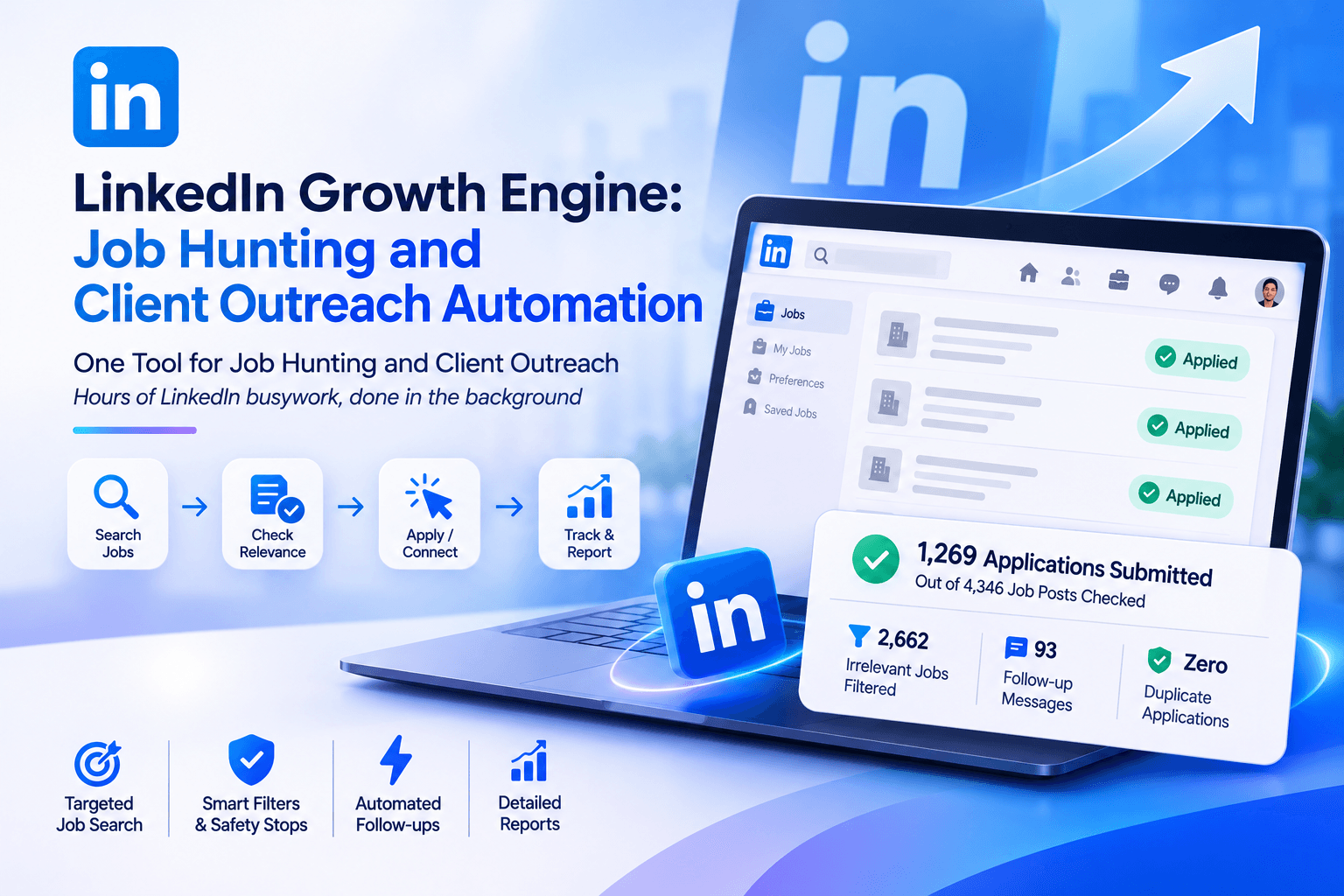
LinkedIn job hunting ticks all three. In two months the tool checked 4,346 job posts, skipped 2,662 that didn't fit and submitted 1,269 applications.
What the Tool Does
- Searches Easy Apply jobs one title at a time, because LinkedIn's new search ignores long keyword lists
- Opens every job on every page and checks it against clear rules
- Fills each form: resume by country, salary in the right currency, experience, availability, links, Yes/No questions
- Sends connection requests from a spreadsheet of target industries and titles
- Messages new connections once, checking past conversations first
- Exports every application to Excel
Lessons That Made It Reliable
- Read the error, then fix the answer: "Enter a whole number" turns "six" into "6".
- Find the question, not just the box: the tool reads the text around each field, so a salary question gets a number instead of a sentence.
- Filter on meaning, not single words: skipping every job that mentioned "network" wrongly dropped a data role about "network KPI reports".
- Never do anything twice: every job and message is logged immediately.
Knowing When to Stop
The tool stops by itself on LinkedIn's daily limit, the invitation limit or a security check, with an alert and LinkedIn's own message. Unusual questions pause the run for a human. Actions are paced at random intervals so the account behaves like a person.
What Doesn't Need Automating
- Personal notes to key prospects
- Jobs that need a tailored cover letter or portfolio
- Anything you can't write down as a clear rule
Automation vs. AI Agents: Which One Fits?
Clear, repeatable decisions suit rules-based automation: fast, cheap and predictable. Judgment calls, like a unique cover letter per job, suit an AI agent. See AI agents for business.
How to Start
Pick the LinkedIn task you repeat most and write down its rules. If they fit on one page, it can be automated. See which business processes are worth automating first.
Frequently Asked Questions
Does it use LinkedIn's API?
No. It drives a real, logged-in browser.
Will it apply to the same job twice?
No. Every job is logged, and "Applied" jobs are skipped.
What happens with an unusual question?
It pauses, alerts you and waits; once you answer, it carries on.
Can LinkedIn restrict the account?
Heavy automation can trigger limits, so the tool paces itself and stops on any limit or check.
Can it be adapted for my team?
Yes. Searches, rules and answers are all settings, so it works for recruiting, sales prospecting or job hunting.
Put the Busywork on Autopilot
If your team spends hours on repetitive LinkedIn or web tasks, we can build the same kind of tool around your rules. See our services or get in touch.